300 DPITrue-size panelsPrint at home
Listings that move cards.
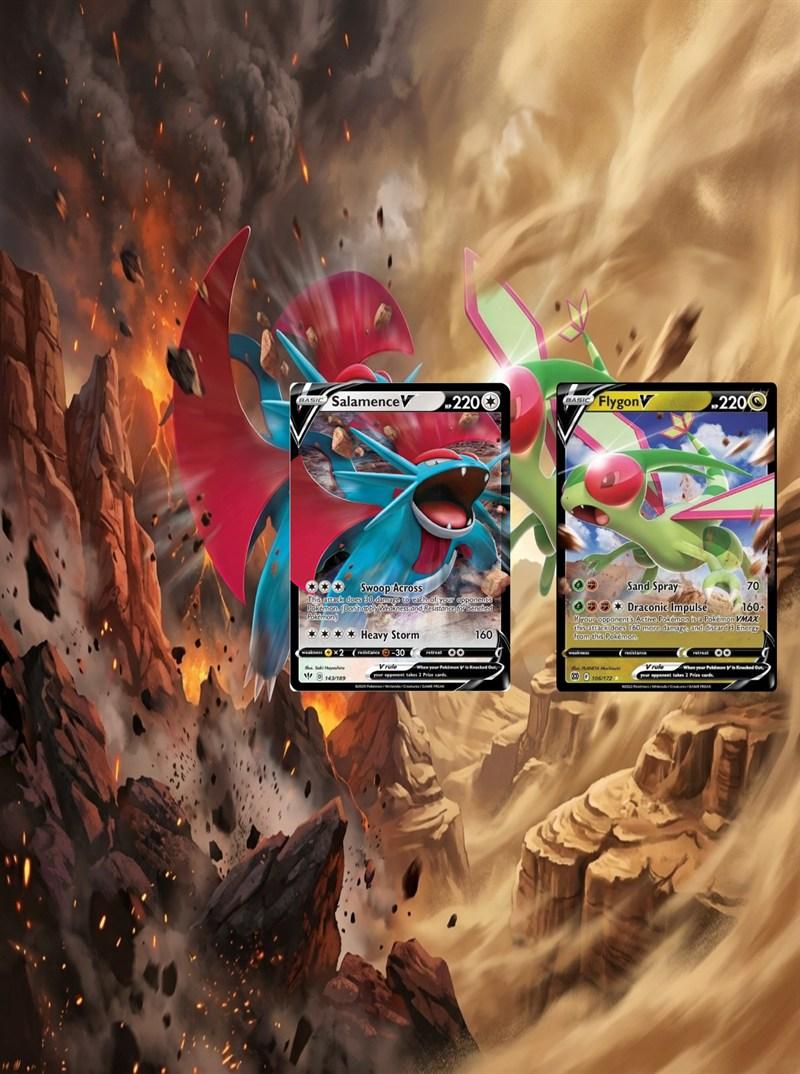
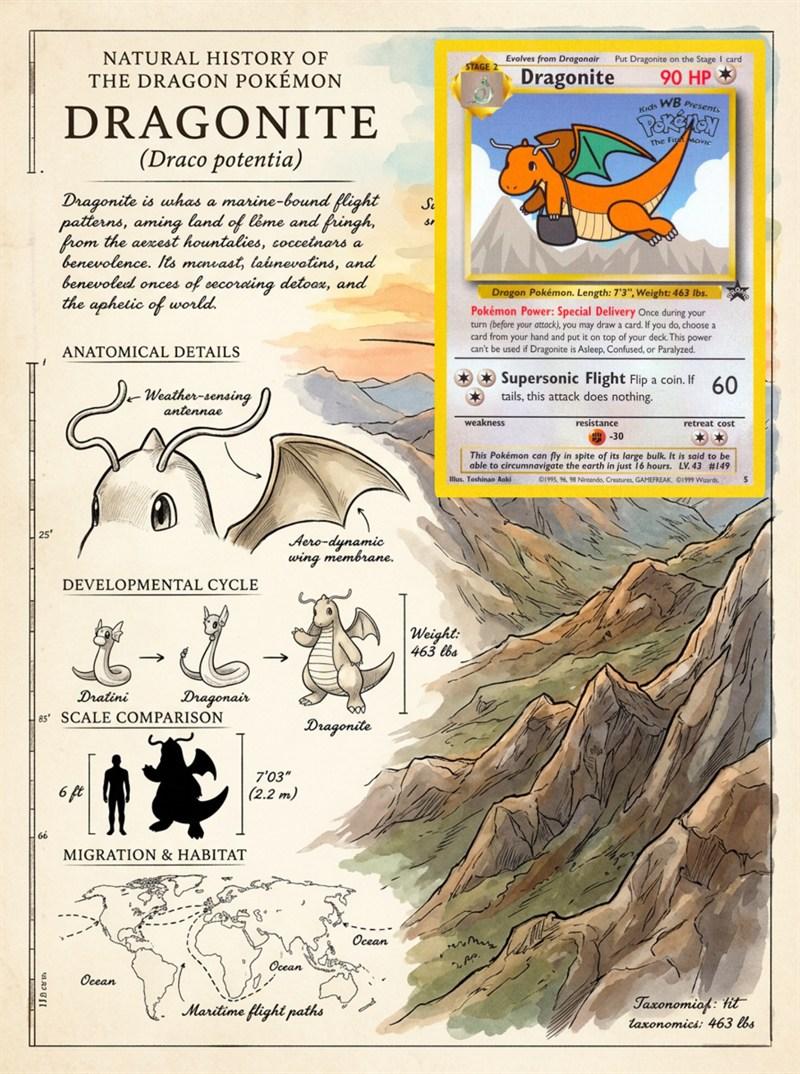
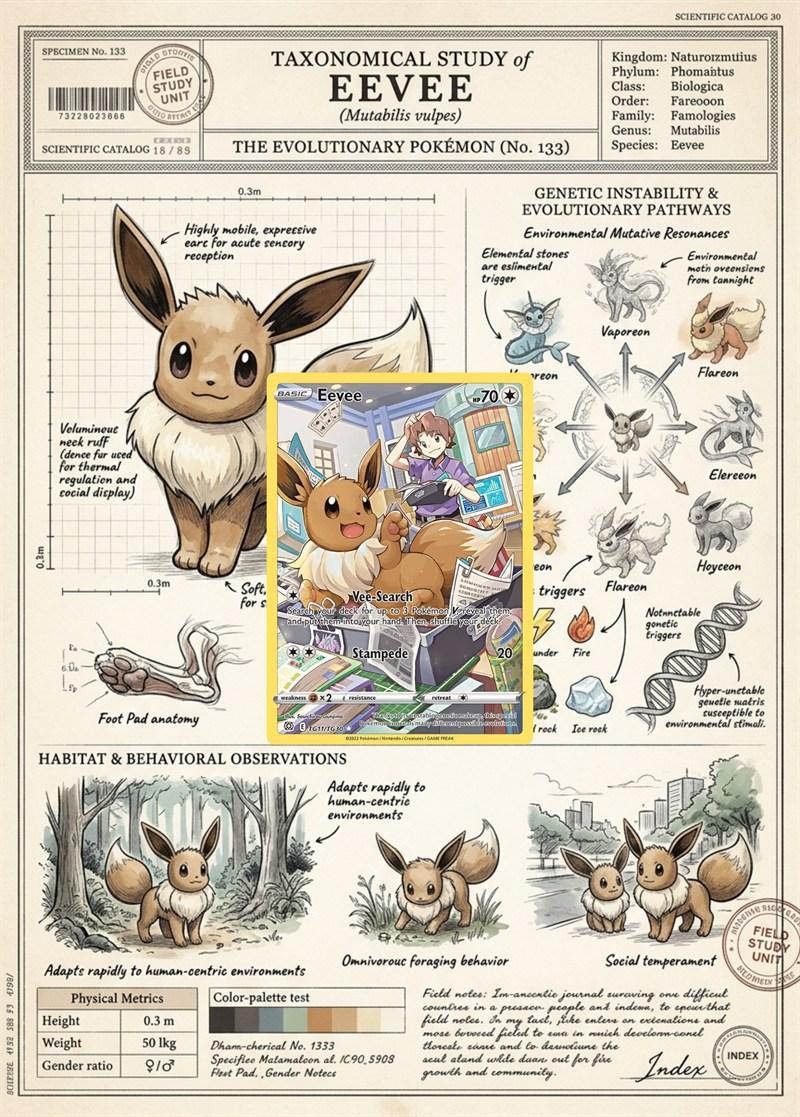
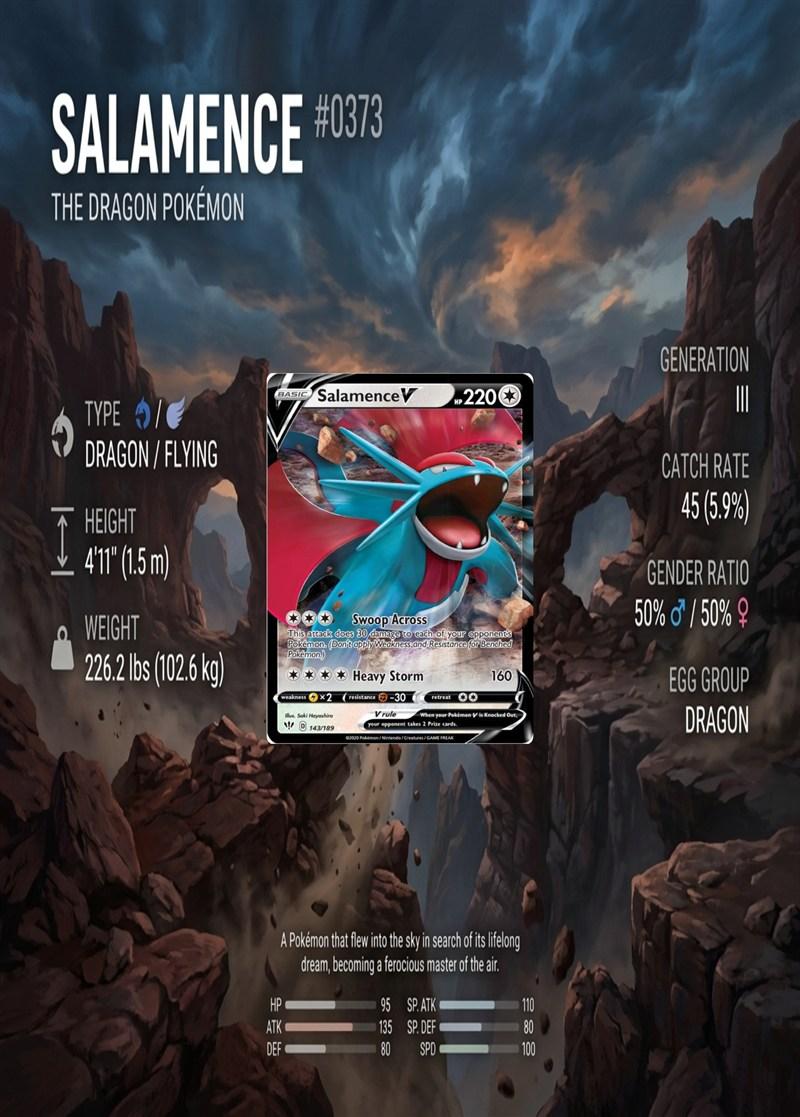
Build seller pages with prices and details around every card — ready to print for shows or share with buyers.
Every card size · Grids 1×1–6×6 · Cut lines optional
Step 1
Tell me about your binder
Choose the binder format and dimensions before adding cards to the page.
Physical card size
Choose the actual dimensions of the cards you will place in the pockets.
Card holder
Choose the pocket style that matches your binder.
Grid size
Choose how many pockets the binder page should have.
To move a card with the keyboard, focus its pocket and press M, then focus the destination pocket and press Enter. Escape cancels.
Binder page layout
Pick a background, then click any pocket to attach a PNG or JPG. Click an uploaded card to remove it, or drag it to another pocket.
Removes uploaded images and played cards and restores the default styles.
Choose a background, then click a pocket to attach an image.
0 of 0 images placed · 3 x 3 array · 63.00:88.00 pocket ratio
How it works
From card to page in three moves
01
Set up your binder
Pick your card size, pocket style, and grid — from a single showcase pocket to a full 6×6 page.
02
Play your cards
Upload card images or draw style cards from a deck. Drag them into place until the page reads right.
03
Generate and print
AI builds the art around your cards. Download true-size 300 DPI sheets with optional cut lines.
Why builders pick us
Made for collectors, tuned for sellers
Every card fits
Standard TCG, Japanese, poker and sports cards — or enter exact custom dimensions.
Any layout
Grids from 1×1 to 6×6 with standard, VaultX, toploader, or custom-measured pockets.
Two ways to build
Simple mode for quick pages, or advanced mode with style decks and overlay layers.
Seller-ready listings
Add prices and details to each card, then print pages for your next show.
Open →Print-perfect output
Letter or A4 at true pocket size, 300 DPI, with optional cut lines around every panel.
Saved automatically
Every page you generate is kept in your gallery, ready to reprint whenever.
Open →